How to stop meeting room no-shows in smart offices

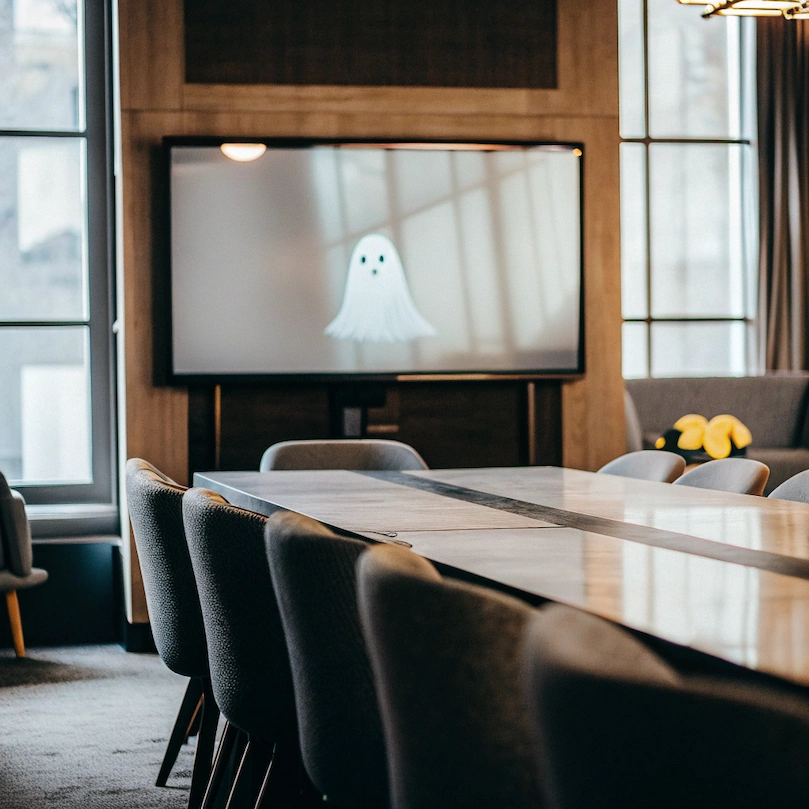
Some members of your staff have expressed concerns about the lack of meeting rooms, and you are currently exploring the possibility of investing in new office premises. However, you noticed that booked meeting rooms remain frequently unoccupied. How many ghost meetings happen every day in your office building? Perhaps the most strategic approach would be to upgrade your room booking system to provide your team with a smarter office.
In this article, you will learn more about meeting no-shows and ways to avoid them thanks to smart booking systems like Witco.
What are meeting room no-shows?
Meeting room no-shows, also called ghost meetings or abandoned meetings, occur when meeting rooms are reserved in the booking system but remain unoccupied during the scheduled time. These phantom reservations create a disconnect between the information displayed in the calendar and what's actually happening in the office. According to industry research, up to 30% of meeting room bookings go unused in large organizations, representing significant waste in both space and resources.
Why do ghost meetings happen?
Many situations can lead to abandoning a meeting reservation:
- Last-minute changes: A meeting moves online or gets canceled, but nobody updates the room booking.
- Hybrid confusion: Teams book rooms "just in case" but end up meeting remotely instead.
- Recurring meetings gone stale: Weekly team meetings that were set up months ago continue to block rooms even when attendance drops to zero.
- Multi-tenant buildings with separate booking systems: Commercial office buildings housing multiple organizations can experience no-show issues due to meetings that relocate to individual tenant spaces without releasing shared reservations.
What’s the impact of meeting room no-shows on businesses?
Meeting room no-shows have a measurable impact on both operational efficiency and organizational costs. Reserved but unused rooms drive unnecessary real estate and energy expenses, while limiting access to space for teams that genuinely need it.
Over time, frequent no-shows erode confidence in room booking systems, increase employee frustration, and contribute to lost productivity as staff spend time searching for available spaces or rescheduling meetings.
In hybrid work environments, ghost meetings can also undermine in-office collaboration by leading to wasted commutes and a diminished perception of the office’s strategic value.
How to put an end to abandoned meetings?
Solving abandoned meeting issues requires a smart combination of technology, policy and user-centric design.
Auto-release mechanisms help ensure that unused rooms are quickly made available
Modern meeting room booking systems like Witco can automatically free up rooms that aren't being used. The logic is simple: if no one checks in within 10 to 15 minutes of the scheduled start time, the system releases the room and makes it available for others. The key is setting appropriate grace periods: enough time for people running slightly late, but not so long that the room stays blocked unnecessarily.
Organizations serious about space optimization can go a step further with IoT occupancy sensors. These sensors can detect presence through passive infrared (PIR) motion detection, heat signatures, Wi-Fi or Bluetooth device presence, etc.
When sensors detect a booked but empty room, the system can automatically release it. This approach works particularly well in large offices where manual check-ins might be inconsistent.
Easy-to-fulfill check-in requirements increase user willingness
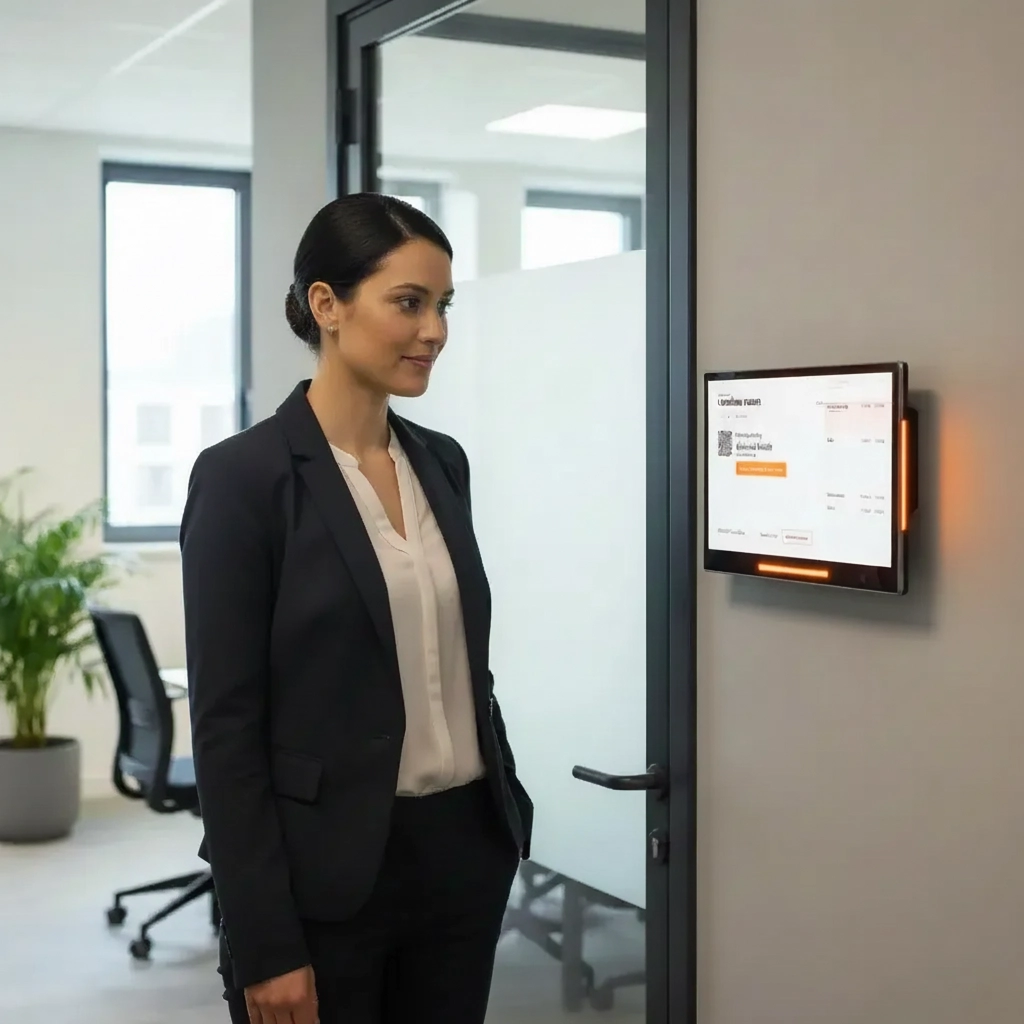
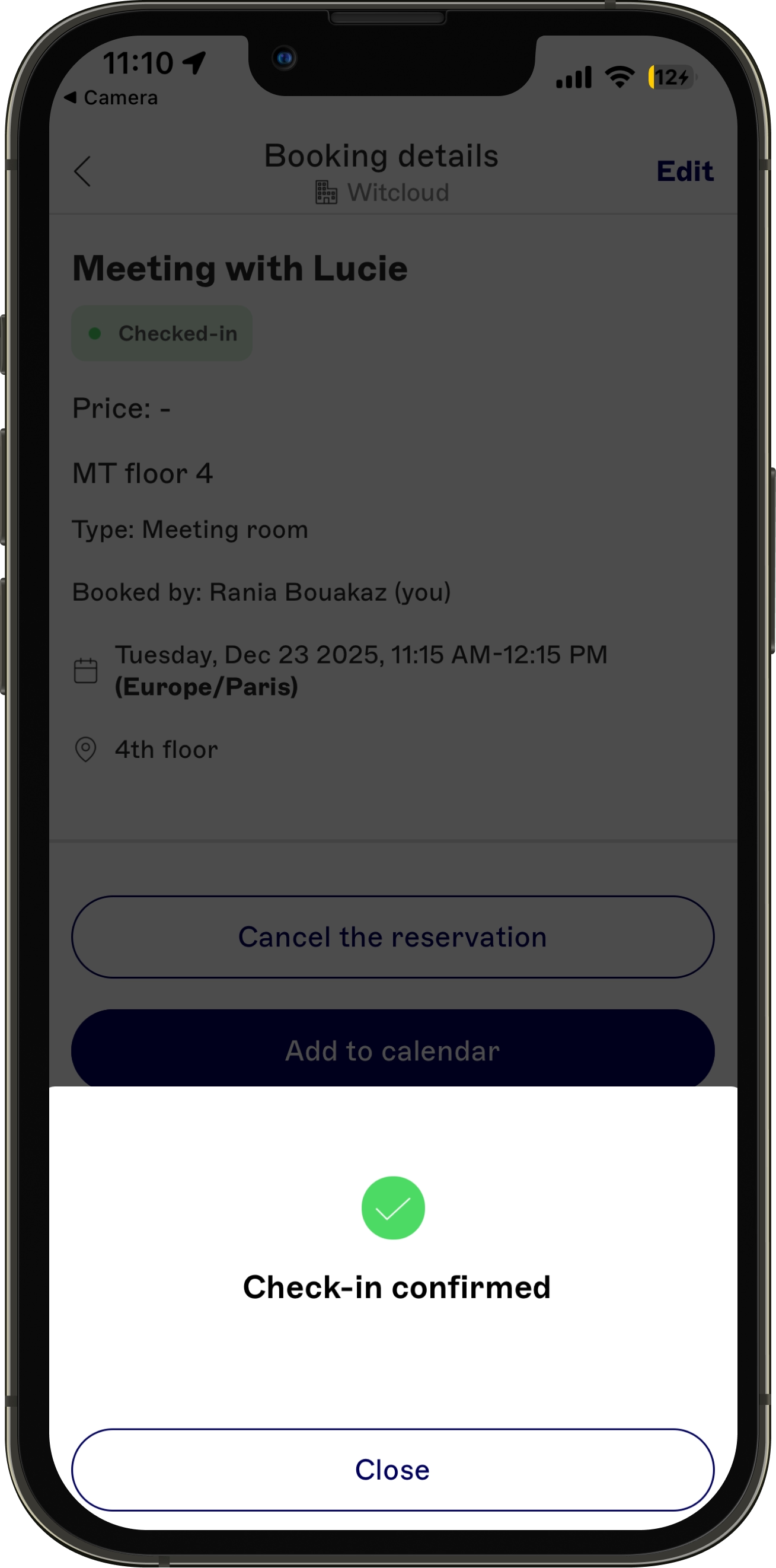
Require meeting organizers to actively confirm they're using the room. Check-in can happen through:
- Mobile apps with push notifications
- QR codes mounted outside meeting rooms (the low-cost option)
- Tablet displays at room entrances, such as RoomPad
- Badge readers
The best systems offer multiple check-in options to accommodate different work styles and situations.
Reminder notifications reduce unintentional no-shows
Automated reminders at key moments can dramatically reduce no-shows:
- 24 hours before: "Your meeting room is reserved for tomorrow at 2 PM. Still need it?"
- 15 minutes before: "Your meeting starts soon. Tap here to check in."
- At start time: "Are you using this room? Check in now or it will be released."
The key is making cancellation as easy as confirmation—one tap should do it.
Clear booking policies (particularly for recurring meetings) set expectations and promote accountability
Establish and communicate simple room booking guidelines:
- Booking horizon set to avoid reservations made too far in the future
- Check-in windows and auto-release timeframes
- Consequences for repeated no-shows (like temporary booking restrictions)
- Best practices for recurring meetings
- How to properly cancel bookings
Make these policies visible where people book rooms—integrate them into your booking system interface and new employee onboarding.
Simple cancellation workflows foster compliance
Make cancellation as frictionless as possible with a quick-access process.
Quick cancellation methods include:
- "Cancel booking" link directly in calendar events
- One-tap cancellation from reminder notifications
- Calendar integration with Microsoft Outlook or Google Workspace that automatically releases rooms when meetings are canceled
The easier the cancellation process, the fewer ghost bookings stay scheduled.
.avif)
Ongoing analysis of utilization data supports decision-making
Use your booking system's data to:
- Identify patterns in no-show behavior
- Find which teams or departments have the highest no-show rates
- Determine optimal check-in windows
- Track improvement over time
- Make informed decisions about office space needs
Real usage data reveals the truth about your space utilization and helps justify investments in better management tools.
Solving ghost meetings brings more than available space
When ghost meetings are addressed effectively, improvements are likely to occur throughout the organization. If increasing space utilization is the primary benefit, there are additional advantages as well: improved employee experience (people find rooms when they need them, thereby reducing frustration), accurate usage metrics for smarter real estate decisions, and cost savings through existing space optimization rather than investing in expensive extensions.