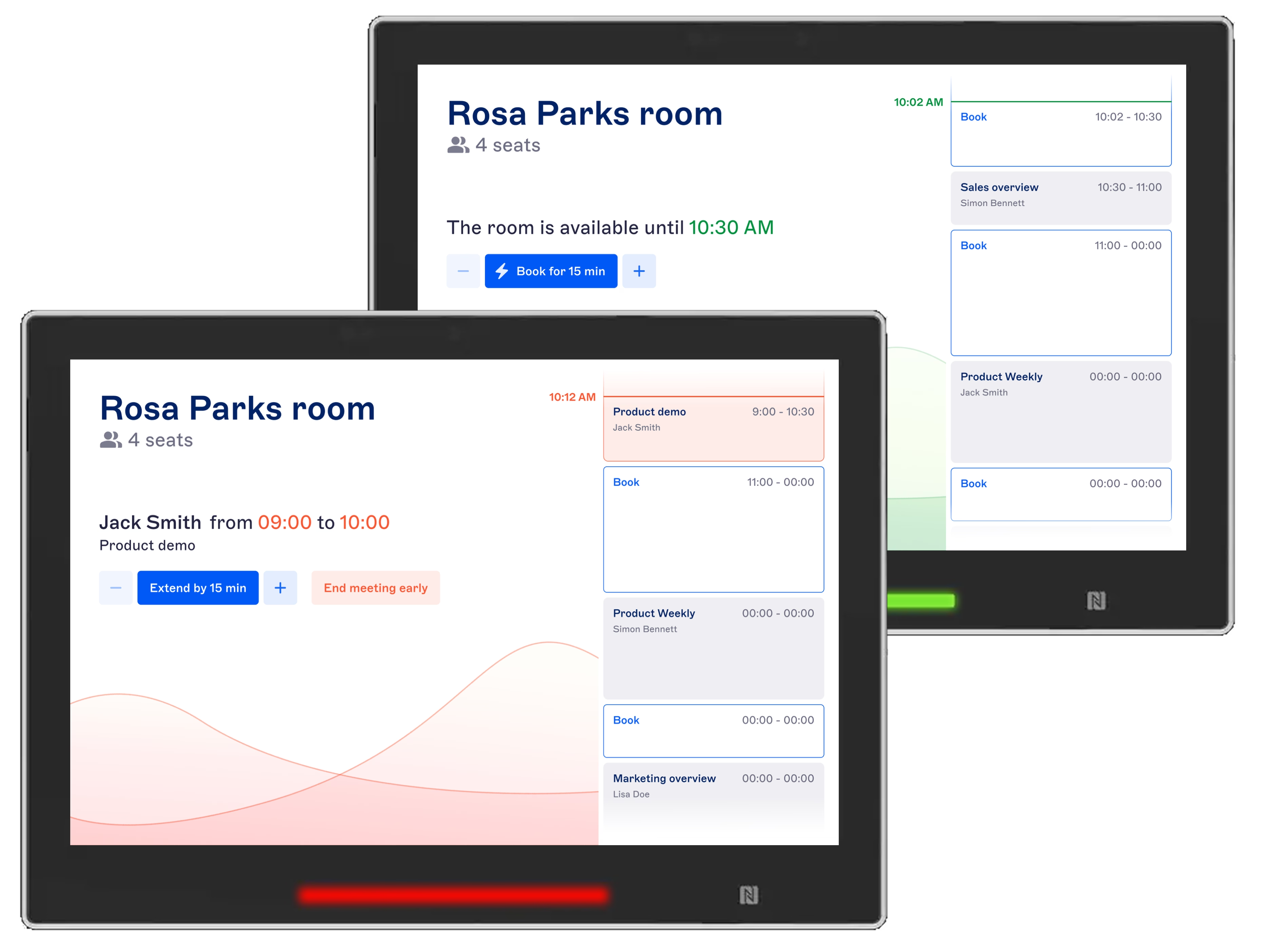





RoomPad: the meeting room booking display that works seamlessly with the Witco workplace platform. Nothing to install with this progressive web app!
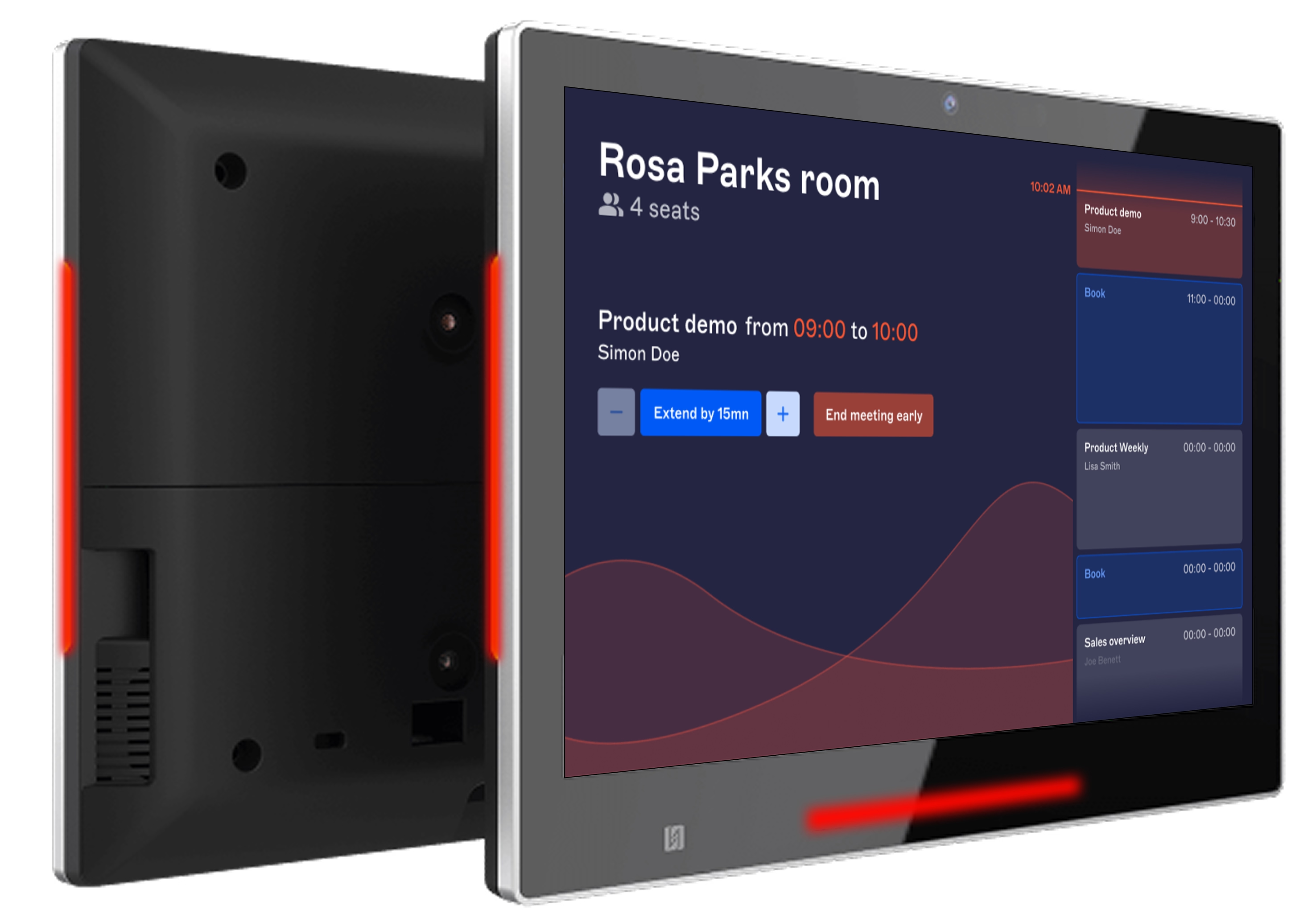
View availability and manage bookings right at the meeting room door
The RoomPad web app turns your meeting room tablets into clear, real-time booking displays.
Employees can book rooms on the spot and manage scheduled meetings with ease, helping you make better use of your office space.
- See today’s availability at a glance: book a room on the spot for an spontaneous meeting, or choose a later time and set the duration.
- Eliminate no-show bookings: require check-in and automatically release rooms when no one shows up.
- Stay flexible during meetings: extend a booking with one tap if the next time slot is available, or release the room early when the meeting ends.
- Check room status from a distance: quickly see whether a room is available, with LED status lights on compatible tablets.
Optional features include badge authentication, issue reporting, interactive maps and wayfinding, and digital signage.
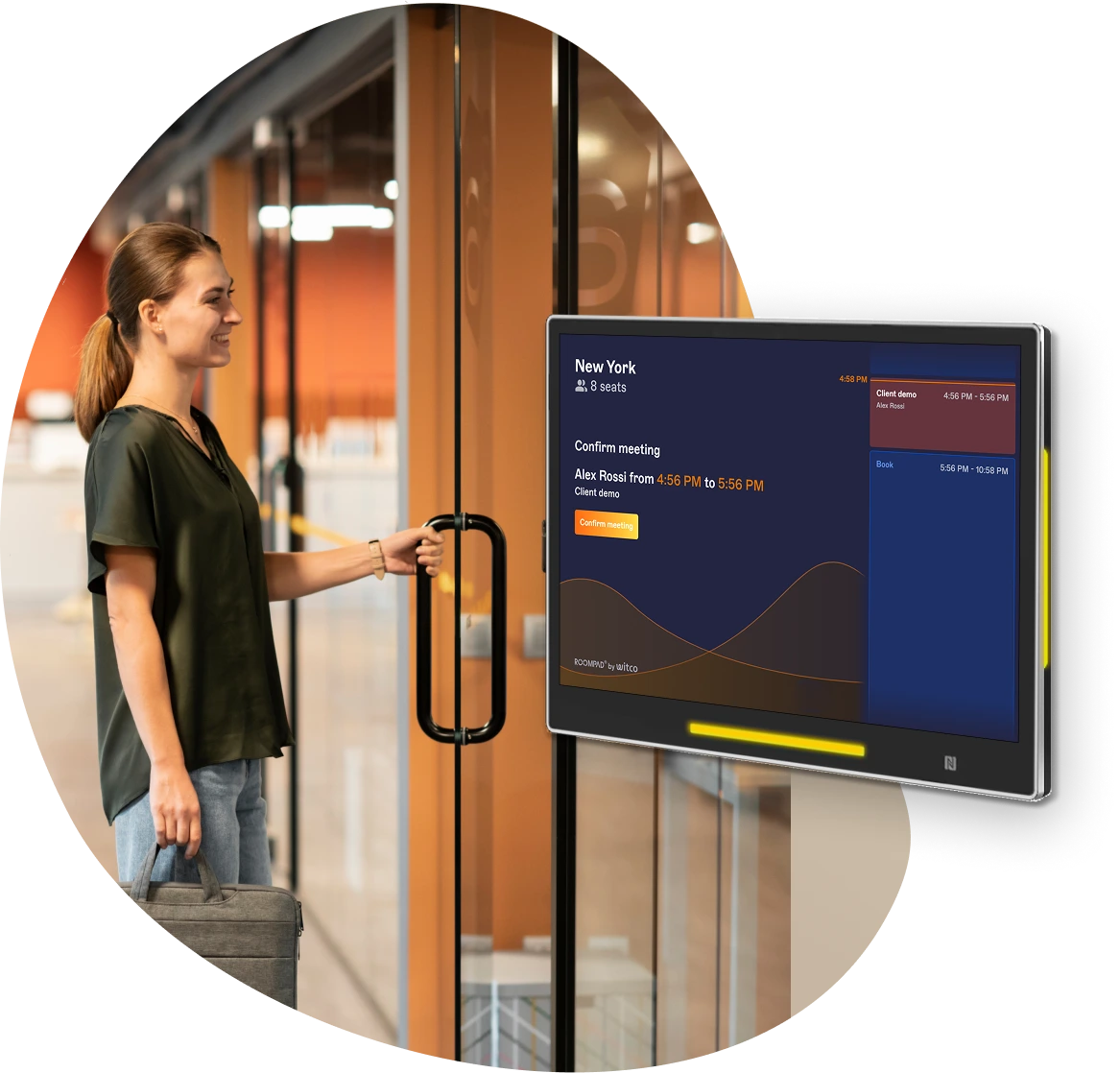
Keep booking rules and data consistent across every touchpoint
The RoomPad progressive web app extends the Witco platform all the way to the meeting room door.
- Real-time, two-way synchronization: changes made in Witco or through Microsoft 365 or Google Workspace are instantly reflected on the meeting room display, and vice versa.
- Consistent workplace policies: booking windows, permissions, and rules configured in Witco also apply at the meeting room display.
- Works with or without calendar synchronization: RoomPad and Witco can manage bookings even without Outlook or Google Calendar, which is ideal for shared facilities or organizations with multiple entities.
- Make data-driven real estate decisions: every interaction with RoomPad contributes to the occupancy analytics available in Witco.

Protect your hardware investment and avoid vendor lock-in
The RoomPad web app runs directly in the device’s browser in kiosk mode. Because it doesn’t require proprietary hardware, this software-first approach gives you greater flexibility and helps keep costs under control.
- Choose the hardware that works for you: reuse compatible meeting room tablets you already own, purchase models selected by Witco, or combine both approaches.
- Certified hardware: get an optimized experience with our RoomPad Lite, Silver, and Slim tablets.
- Hardware-agnostic software that scales with you: add support for new device models with a simple profile update.
- Continuous schedule display: if the network goes down temporarily, previously synced schedules stay on screen instead of an error message.
- Standard, secure technical requirements: Android 10 or later, Chromium/WebView 84+, and secure WebSocket connections.
Witco gives you a single point of contact for your workplace platform, the RoomPad booking interface, and the hardware (if you choose our tablets).

Lower IT deployment and support costs
With Witco’s centralized Device Manager, your teams can manage the entire display fleet remotely:
- Faster deployment: pair devices quickly, with no app to install on each one.
- Centralized updates: update the entire fleet during scheduled overnight restarts.
- Secure automatic re-pairing: automatically restore the connection if a tablet becomes unpaired from its room. Save an estimated 16 or more hours of technician time for every 100 displays.
- Remote monitoring and control: view a real-time device inventory, lock a device, or remove it directly from Witco.


