5 metrics your meeting room and desk booking system can reveal about your office

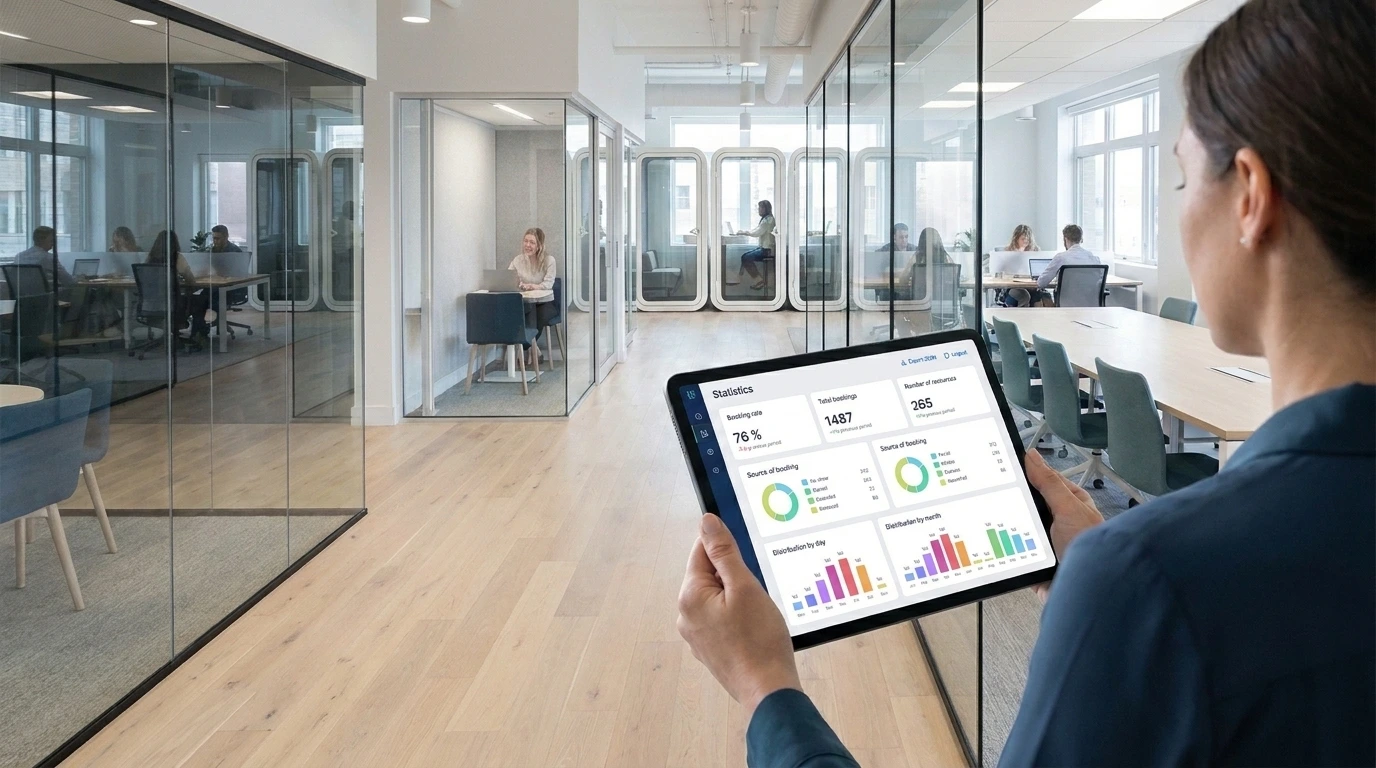
Booking data reveals demand, not verified attendance. Use it alongside on-site observations and available occupancy data to guide office layouts, booking policies, and workplace services.


Your busiest meeting rooms are always booked. Employees say they can never find a desk. Yet a walk around the office tells a different story: empty rooms, unused workstations, and entire areas that barely see any activity.
With hybrid work, office demand now shifts from one day to the next. For corporate real estate and workplace teams, that makes planning difficult: layouts have to keep pace with changing work patterns while keeping operating costs in check and meeting employee expectations. So do you actually need more space, or a better mix of the space you already have?
Your meeting room and desk booking system can help you answer that question. Each reservation captures a request for a particular resource at a specific time. Together, those requests reveal patterns in how employees plan to use the office.
There is one important distinction, though: a booking shows intended use, not verified occupancy. Booking data is a useful input for office occupancy analytics, but it cannot confirm physical presence on its own.
Here are five metrics to examine, and the real estate decisions they can inform.
5 metrics to track in your meeting room and desk booking system
1. Booking rate: Where is demand putting pressure on your space?
Booking rate measures how much of a resource’s available time has been reserved during a given period.
Because it is expressed as a percentage, it removes the effect of size: you can compare a two-person huddle room with a 20-person boardroom, or one floor with another. For a meaningful comparison, use consistent availability settings and reporting periods. A room available for eight hours a day should not be compared directly with one available around the clock without accounting for that difference.
What it tells you: Booking rates highlight imbalances in your space mix. Small meeting rooms may be heavily booked while larger conference rooms attract much less demand.
That pattern often points to a mismatch between your layout and employees’ activities. Over a typical office day, people move between small-group discussions, calls that require privacy, and quiet focus time. That is the logic behind activity-based working: designing spaces around the work people actually do, not simply adding more seats.
What to do next: Before you conclude that you are short on space and start looking at a new lease, see how you can reconfigure what you already have.
Converting an underbooked 12-person conference room into three soundproof phone booths or huddle rooms costs far less than adding square footage, and it better matches demand. But first, rule out simpler explanations: unreliable video equipment, poor acoustics, an inconvenient location, or a room that is difficult to find in the booking system.
2. Booking volume relative to inventory: Is desk sharing really catching on?
Booking volume becomes more useful when you relate it to the number of resources available.
For example, 2,000 bookings at a site with 100 desks point to much higher turnover than the same volume on an 800-desk campus, assuming the same reporting period and comparable booking rules. Always relate volume to the number of resources in the scope you are analyzing.
What it tells you: How well employees have embraced shared desks, business unit by business unit or floor by floor.
Tracked over time, it also shows how well your flex office software has been adopted. Is desk sharing becoming second nature, or are some teams quietly recreating assigned seating?
Remember that booking frequency is not the same as time reserved. A desk booked for five short visits generates more reservations than one booked for a full week, even if the total reserved time is lower.
What to do next: Start with resources that have recorded no bookings for several weeks.
They may be genuinely unpopular, but more often they are desks used every day without a reservation, or resources that are configured incorrectly.
Check what is happening on-site before changing your desk inventory. Then use your findings to adjust the number of desks per employee based on observed usage rather than a one-size-fits-all standard. For example, you might apply a different desk-sharing ratio to each department.
3. Bookings by day and month: When does your office need to be ready?
Average demand can hide the very patterns that matter most to workplace operations.
In most hybrid organizations, demand peaks from Tuesday through Thursday, while Mondays and especially Fridays are much quieter. A location may look underused over a full week while experiencing significant pressure on those peak days. Monthly trends add context by showing seasonal changes or shifts following a policy update, relocation, or team reorganization.
What it tells you: The distribution of bookings reveals your workplace’s rhythm, and especially the gap between peak and off-peak days, which is where potential savings lie. A building sized for Tuesday’s peak still carries most of its fixed costs on Friday, even when it is largely empty.
What to do next: Use recurring booking patterns to inform reception coverage, food service, cleaning schedules, and maintenance windows.
If some days consistently attract less demand, explore whether employees could be accommodated in fewer areas. Closing certain floors or wings on those days lets you scale back HVAC and lighting, cutting energy costs and your building’s carbon footprint, subject to building constraints and operational requirements.
Do not make those changes based on reservations alone. Compare booking patterns with front-desk observations and available presence data before reducing services or closing an area.
4. Reservation duration: Are spaces being booked for their intended purpose?
Average booking duration and duration ranges can reveal patterns that booking counts miss.
Grouping reservations into time bands (such as under 30 minutes, 30 to 60 minutes, one to two hours, two to four hours, and more than four hours) helps distinguish short visits from extended blocks.
What it tells you: Unusual durations can flag a mismatch between the spaces you provide and the activities employees need to perform.
Desks booked for less than 45 minutes on average are probably serving as touchdown spots between meetings. Conversely, meeting rooms regularly blocked for more than four hours at a time often signal a shortage of private offices: lacking a better option, employees use them as a quiet place to work.
These are hypotheses to investigate, not conclusions that booking data can prove.
What to do next: Talk to employees and observe the spaces involved.
Use your meeting room and desk booking system to adjust reservation rules, for example by setting a maximum booking duration for each space type. But booking limits alone will not solve the problem if people lack places for focused work: add individual or semi-enclosed focus spaces to take pressure off your meeting rooms.

5. Booking events and channels: Where can you make space easier to release?
A reservation can change after it is created. It may be canceled, extended, or ended early. Where supported presence or confirmation data is available, it may also be identified as a no-show.
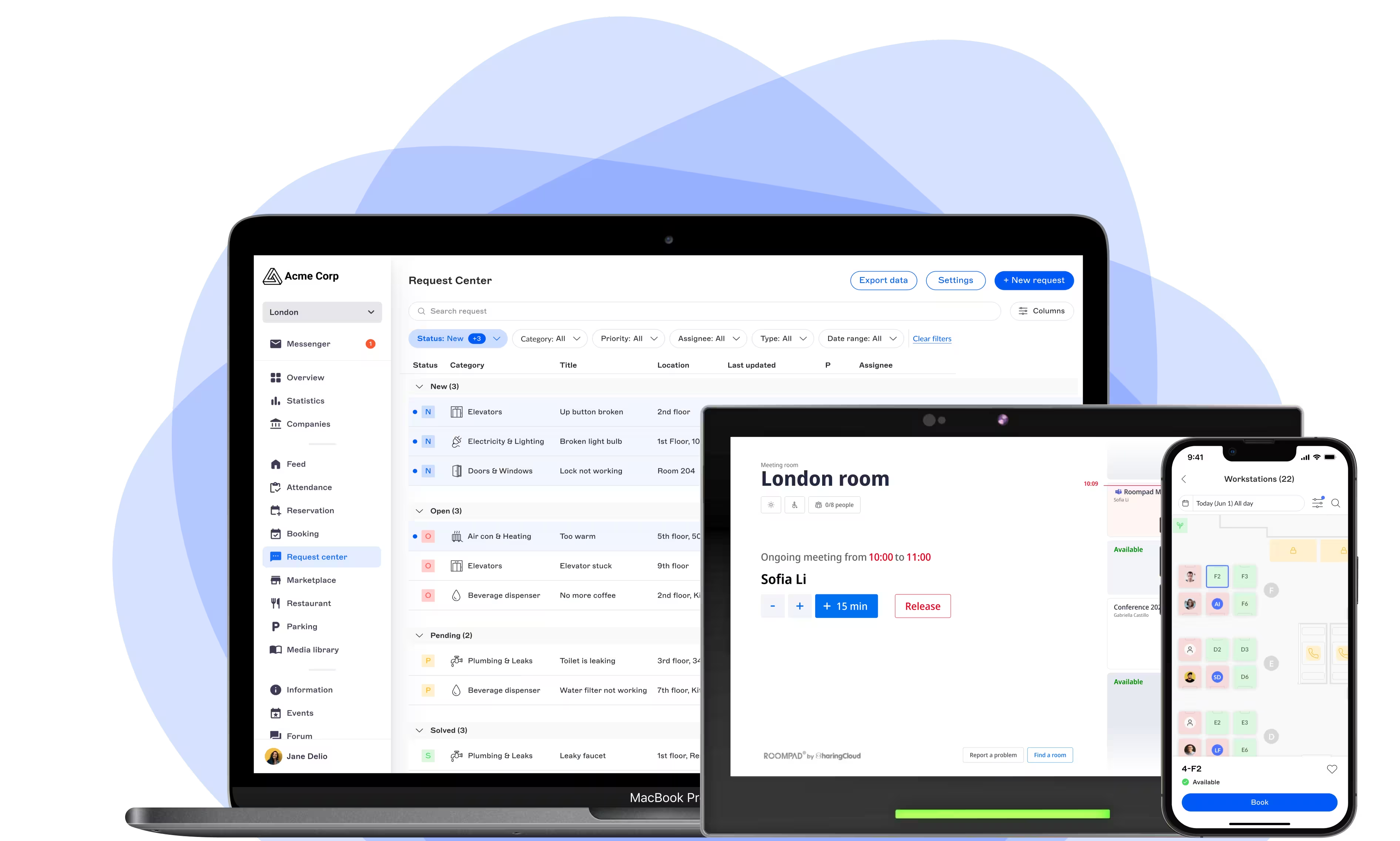
Booking channels add another perspective. Employees may reserve spaces through a web portal, mobile app, Outlook or Google Calendar, or a room display such as RoomPad.
What they tell you: How much capacity is tied up for nothing. Ghost meetings (rooms booked but never used) and last-minute cancellations create an artificial shortage: the room looks taken on the calendar while it sits empty.
Channels, in turn, show how employees interact with the booking process and where releasing a space could be made easier.
What to do next: Make releasing a space as straightforward as reserving it.
Give employees convenient ways to end a booking early, including from the display outside the meeting room, and encourage them to release a slot as soon as they no longer need it. Where your equipment supports automatic release of unconfirmed reservations (through sensors data, for example), use it to quickly return unused slots to the pool, with no additional real estate investment. For more tips, read our post on how to stop meeting room no-shows.

How can office occupancy analytics support better space decisions?
Office occupancy analytics turn bookings into clear decisions. Booking rate by space type shows what to reconfigure. Peak days help you plan services or close floors on quiet days. Booking duration reveals focus-space shortages. No-shows and released bookings show capacity you can recover. Check these trends against presence data, then pilot changes in one area before scaling.
Turn booking data into a repeatable decision-making process
Office occupancy analytics is most useful when it leads to clear, lasting real estate decisions, not just a dashboard review. A structured five-step cycle, as part of a broader workspace management strategy, helps:
- Back up the initial observation. Test feedback such as “our meeting rooms are always full” against booking metrics: booking rate, average duration, cancellations and, where presence data is available, no-shows.
- Choose a comparable baseline. Analyze three to six months of stable data (excluding holiday periods) and compare sites or floors with similar functions, such as headquarters vs. a regional office, or engineering teams vs. support functions.
- Combine booking data with on-the-ground feedback. Compare booking rates with equipment audits, acoustic comfort, and observations from front-desk teams.
- Pilot targeted changes. Test small adjustments, such as reconfiguring furniture or introducing new booking rules, in a pilot area before rolling them out.
- Measure the impact and scale up. Review the same metrics over the following period to confirm the return on investment.
When evaluating flex office software, look beyond the reservation experience. Your teams also need multidimensional reporting, with filters by business entity, building, floor, category, and resource, plus data exports so you can combine booking data with your BI and asset management tools.
Make better use of the space you already have
Booking rates, volume relative to inventory, day-by-day patterns, reservation duration, and booking events each reveal a different part of workplace demand.
Together, they help you ask better questions before changing your office footprint.
Your meeting room and desk booking system will not tell you everything about physical occupancy. But combined with reliable presence data and feedback from the people using your workplace, it gives you concrete evidence to adjust the number and type of spaces, make every square foot count, and align services with new work patterns.
Tracked over time, these metrics also let you measure the impact of each decision and refine your real estate strategy as usage evolves.
Frequently asked questions about meeting room and desk booking systems
What real estate decisions can a meeting room and desk booking system support?
What is the difference between booking data and office occupancy analytics?
Why should flex office software make it easy to release unused bookings?
How often should workplace teams review booking metrics?